Collaborative Bucket List Web App, Listly
WHY BUILD THIS
A link that remembers what we forgot
Our to-do lists with family and close circle of friends are always growing. Oftentimes, such suggestions get texted into the group chat after we stumble across a enticing restaurant video on social media or hear a compelling movie review in conversation. “We should ...,” “let’s ...,” “we have to go here....”
Unfortunately, these places, restaurants and experiences that spark our interest in the moment get lost in the stream of subsequent messages. By the time we want to revisit one of those recommendations, it’s near impossible to scroll back and find it.
This repeating pattern and lack of organization when it came to experiences I wanted to share with people I care for is what led me to build with web app. I wanted something that turned scattered suggestions into a clean and curated shared to-do list — so I built it!
CONTEXT
Design-code collaboration
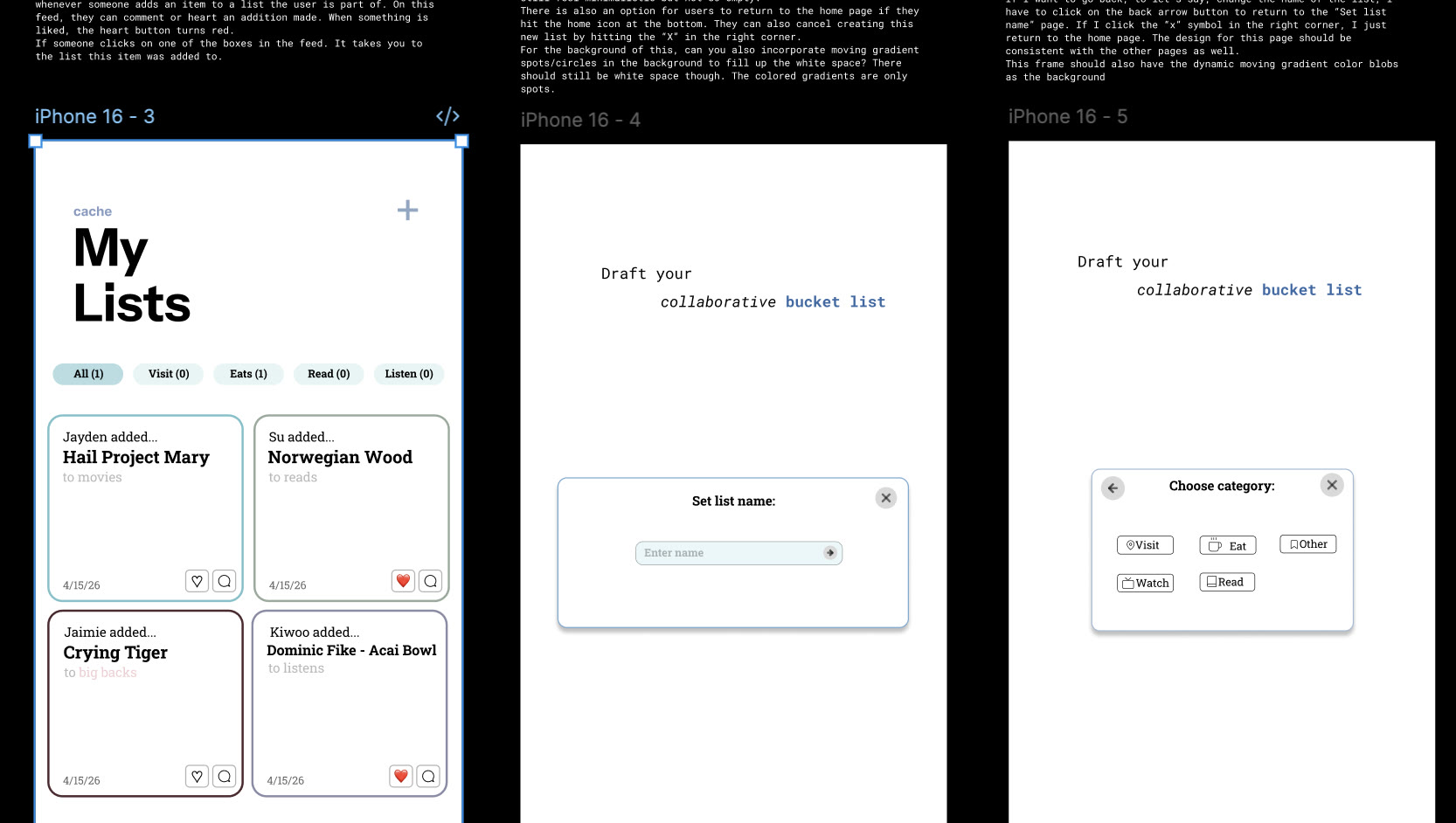
Within a week and a half, I needed to finish my wireframes and explore for the first time how to leverage AI in the design process. I started building this web app with an AI-integrated approach. Rather than a linear design-to-code pipeline, I iterated fluidly between design and engineering: sketching layouts in Figma, then refining features as I saw how the screens looked like on my phone and computer.
HOW IT WORKS
- 1
Create a List
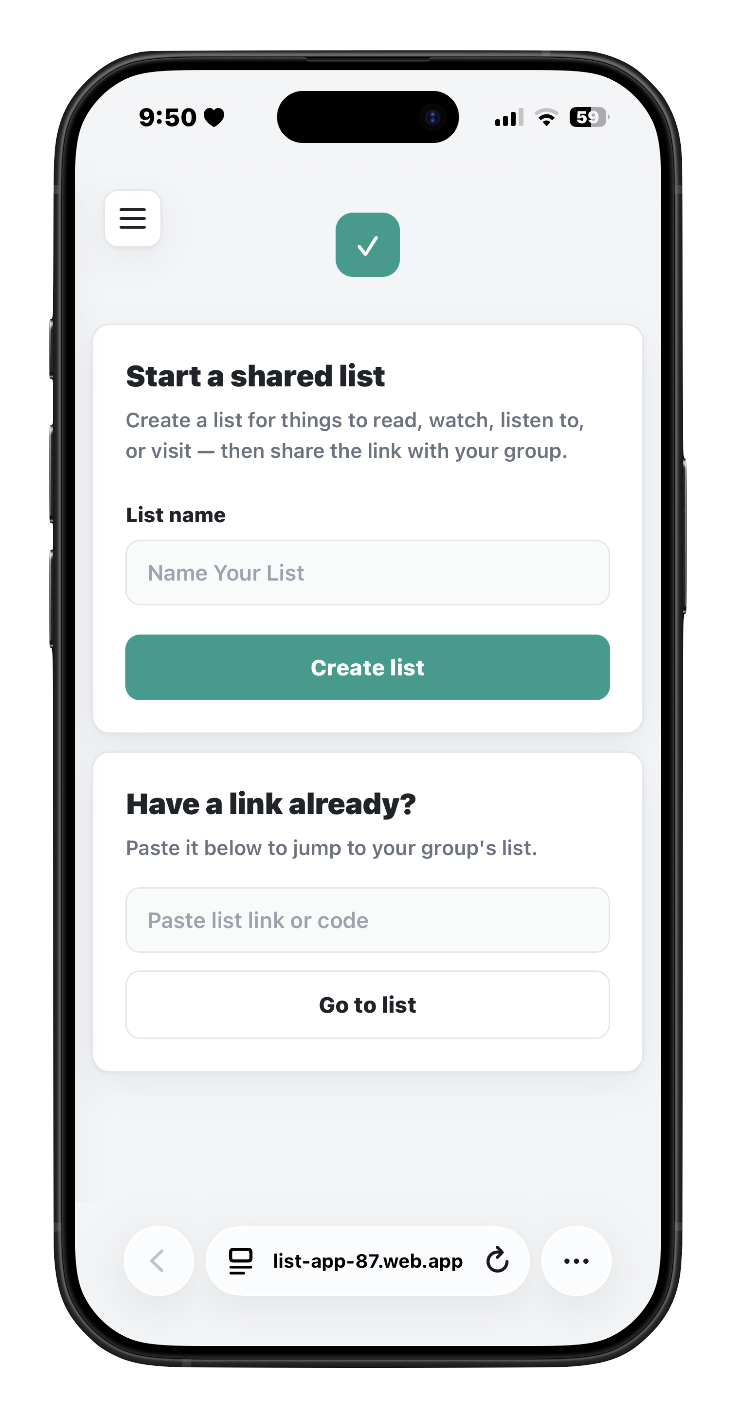
A user creates a list (or opens a shared link); Firestore autogenerates a unique document ID for that group and that ID becomes the list’s URL
- 2
Say Who You Are
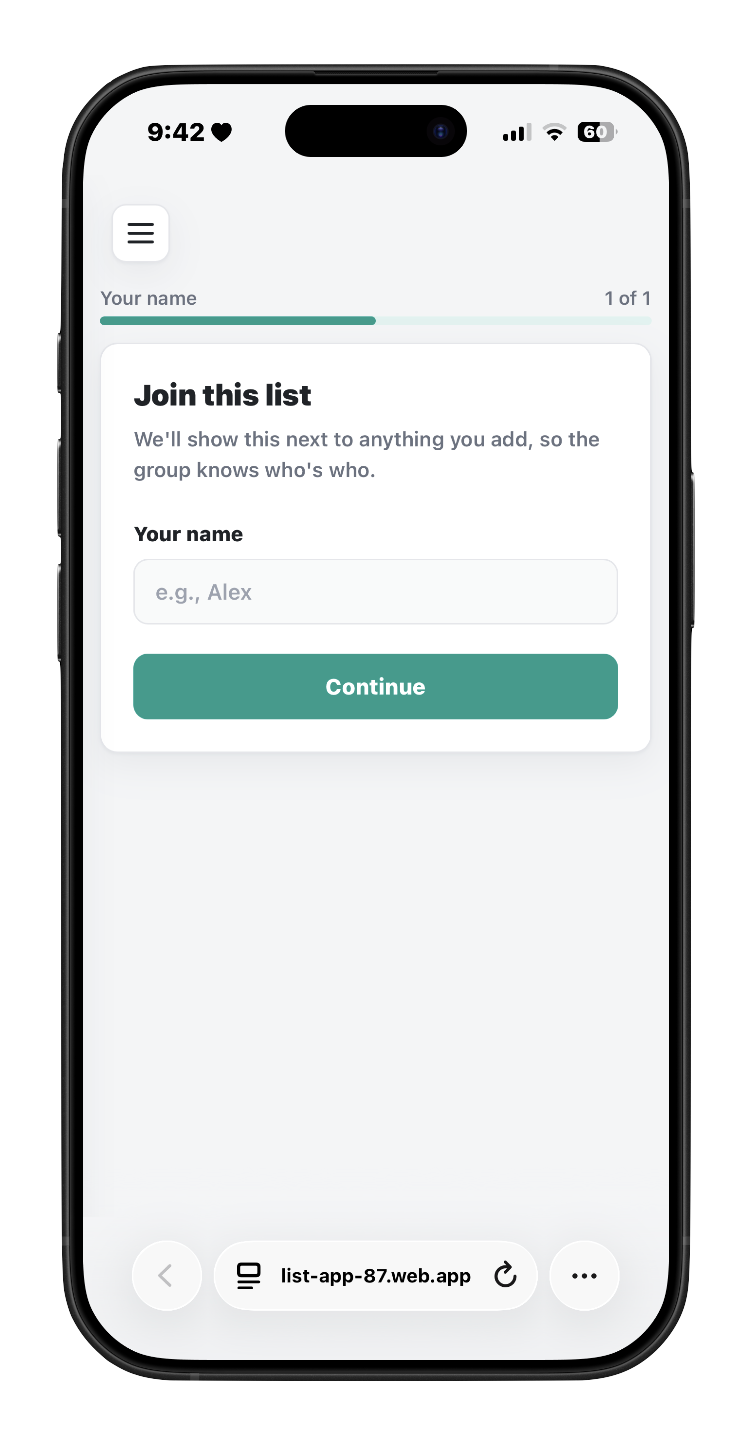
The name you enter is saved to your browser’s local storage and synced into the group’s member list in Firestore.
- 3
Add & Tag Items
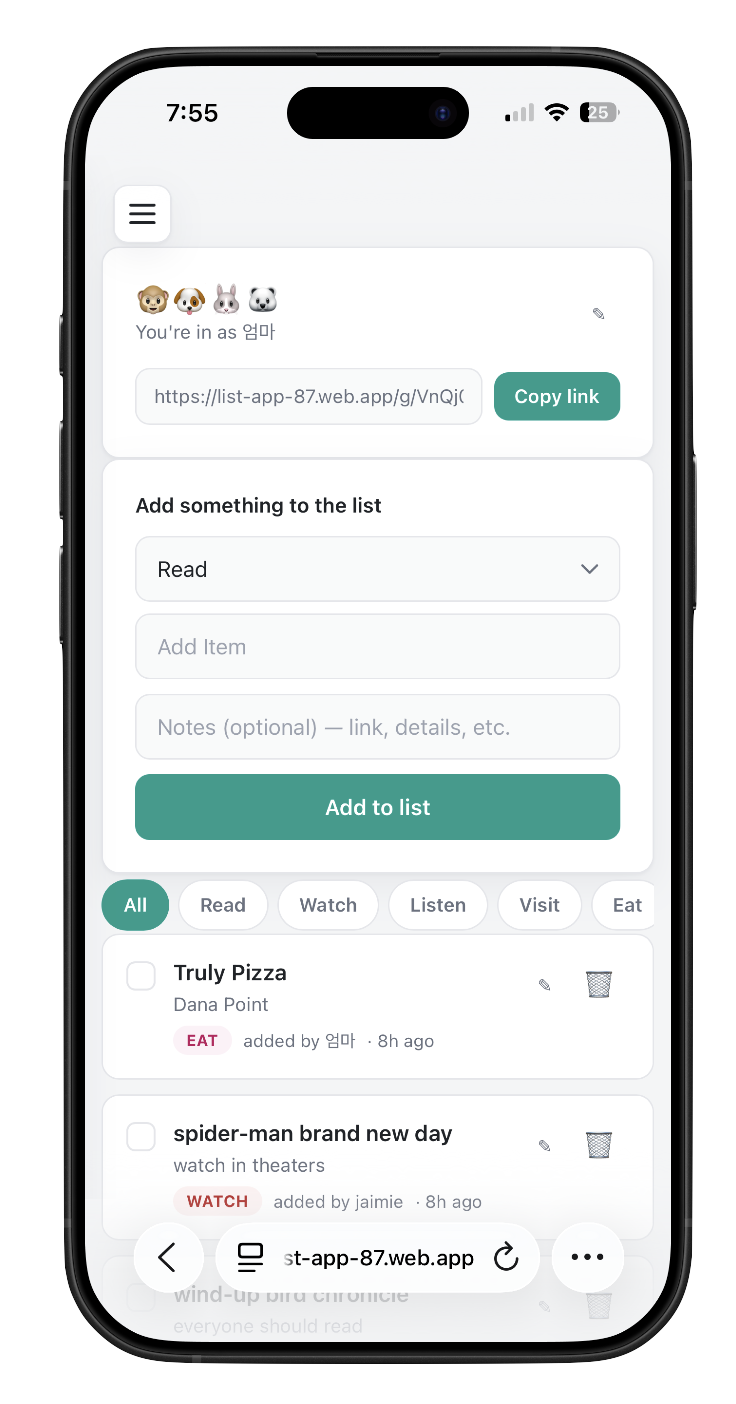
Each item you add — tagged read, watch, listen, visit, eat — is written straight into Firestore, timestamped and attributed to your name
ENGINEERING HIGHLIGHTS
Listly is a static HTML/JS app deployed on Firebase Hosting, with Firestore as the entire backend. This project was a great introduction to learning how backend-as-a-service platforms operate where the “server” is a managed data layer users talk to directly instead of code I’d have to write and host myself.
Serverless by Design
The frontend talks directly to Firestore. Because there’s no server-side auth system to build, there was never a signup wall to design around. A UI/UX decision usually has to balance “protect the data” against “make it easy to get in” — going serverless meant that tradeoff barely existed. Anyone with the link is in instantly which matches how people actually behave in a group chat: they tap a link, they don’t want to create a password first.
Local-first personalization layer
Since there’s no login, “who you are” and “which lists are yours” are reconstructed entirely client-side: localStorage tracks your display name per list, a rolling history of visited/bookmarked lists (with pinning and eviction once it hits a cap), while the actual member roster syncs back to Firestore so it’s visible to the whole group, not just you.
the tradeoff is that this identity is per-device, not per-person — since there’s no account tying you together across browsers, opening a list you’ve already joined on your laptop from your phone won’t recognize you, and you’ll be prompted to enter your name again, effectively “joining” a second time on that device.